
Connectors overview
Slack, Teams, Google, Office 365, WhatsApp, Telegram, Discord, connected once for the workspace.
Where
Dashboard sidebar → Settings → Connectors.
What it does
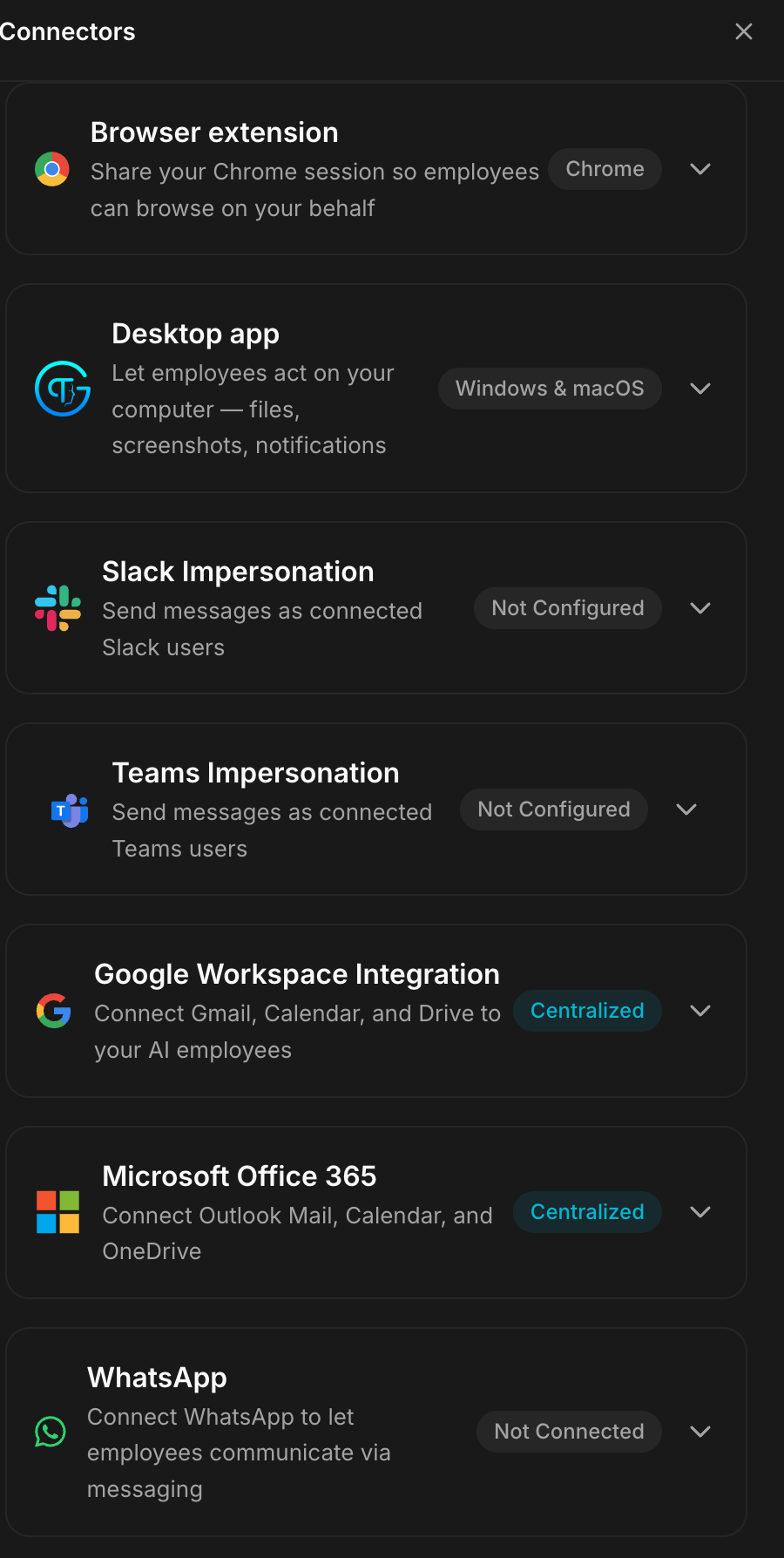
Connectors are configured once for the whole workspace, then granted per
employee. Each row shows its state: 0 connected, Not Configured,
Not Connected, or Centralized.

Each connector has its own page, with the full setup and what to do when it does not work.
| Connector | What it gives your employees |
|---|---|
| Slack Bots | a dedicated Slack app per employee |
| Slack Impersonation | sending as connected Slack users |
| Teams Bots | a dedicated Teams app per employee |
| Teams Impersonation | sending as connected Teams users |
| Google Workspace | Gmail, Calendar and Drive |
| Microsoft Office 365 | Outlook Mail, Calendar and OneDrive |
| messaging | |
| Telegram | a Telegram bot |
| Discord | a Discord bot |
| Twilio Telephony | phone calls, with Twilio and a Gemini key |
Bots and Impersonation are not the same thing. A bot posts under its own identity; impersonation sends as a real connected user. The second needs that user to authorise it.
Who can set them up. Slack, Google, Teams and Office 365 can be configured by the instance owner, by admins, and by anyone allowed to manage connectors.
Teams group chats. An employee working in Microsoft Teams can start a group chat with several people and a topic. In a group chat it only replies when someone @mentions it, so it never takes over the conversation. Its replies keep their formatting, its @mentions are real mentions, and it can send files.
Choosing the employee
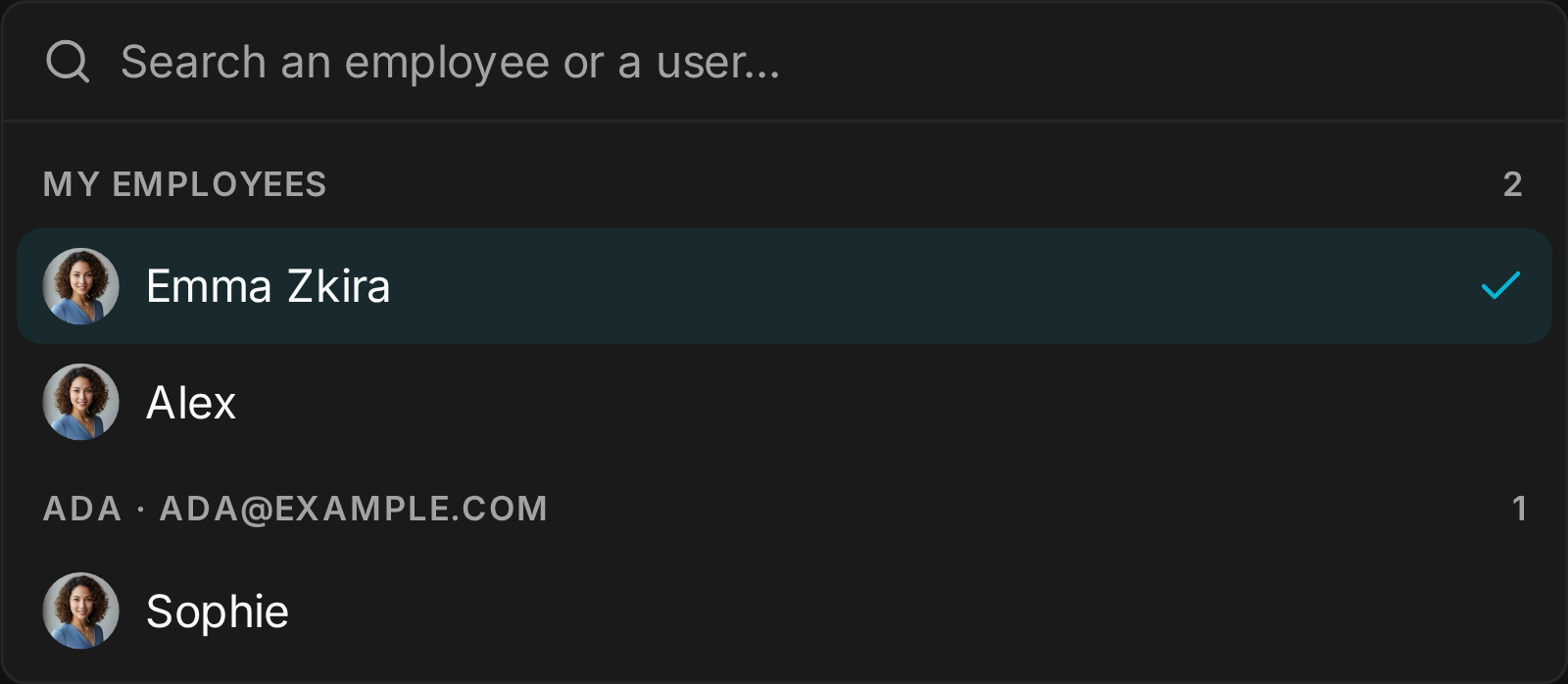
Connecting Telegram, Discord, WhatsApp, Slack, Teams, Google, Office 365 or a Twilio number opens a searchable picker: type a few letters to filter by employee name, job title, or the owner's name or email. Employees are grouped by owner with your own first, each with their photo; anyone already connected elsewhere is greyed out. Admins can connect any employee on the instance, not just their own. Assigning a Telegram or Discord bot is reserved to the employee's owner or an admin.
The default
Everything starts unconnected. Centralized means the connector is
configured at workspace level and available to employees, rather than each
employee holding its own credentials.