
Desktop App
Pair an employee with your own computer, and the kill switch that comes with it.
Where
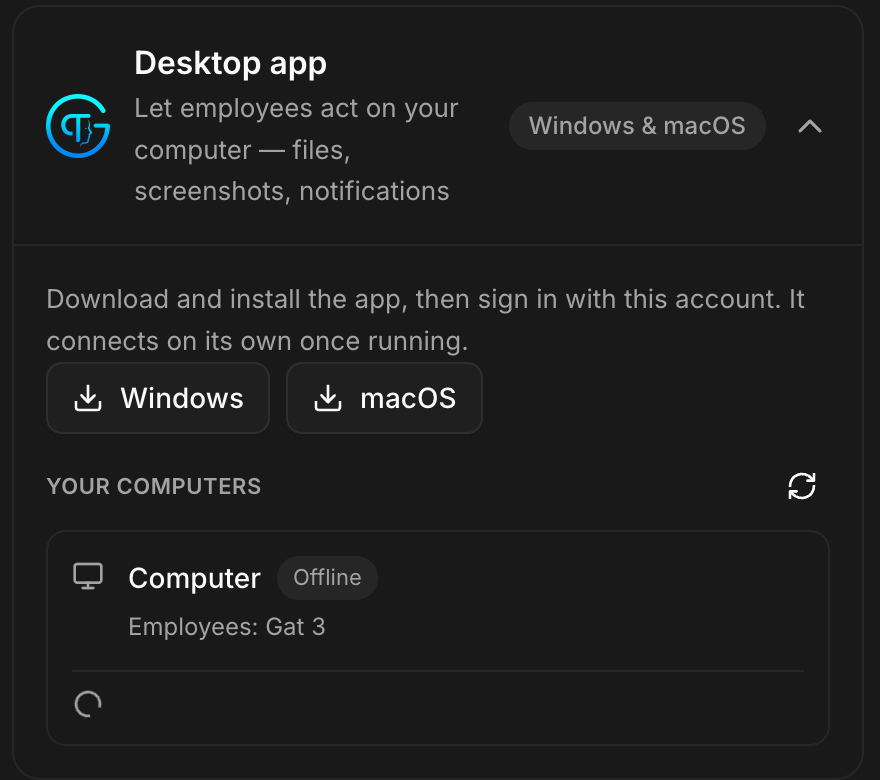
Dashboard sidebar → Apps → Desktop App. Two downloads: Windows and macOS.
What it does
The screen states it plainly:
Install the desktop app to let a paired AI employee work directly on your computer: it can move the mouse and type, read what is on screen, open apps, and manage files: always under your control, with a panic kill switch available at any time.
This is the widest access an employee can get. It is not a browser tab: the employee acts on your machine, in the applications you already have open.
What it is for
The work that has no API: an internal tool with no integration, a desktop application, a legacy client. Anything a person would do with a mouse and a keyboard.
Two things to have straight before installing. The employee sees what is on your screen, including whatever else is open. And the panic kill switch is there because you will want it one day: find it before you need it, not during.
Several computers
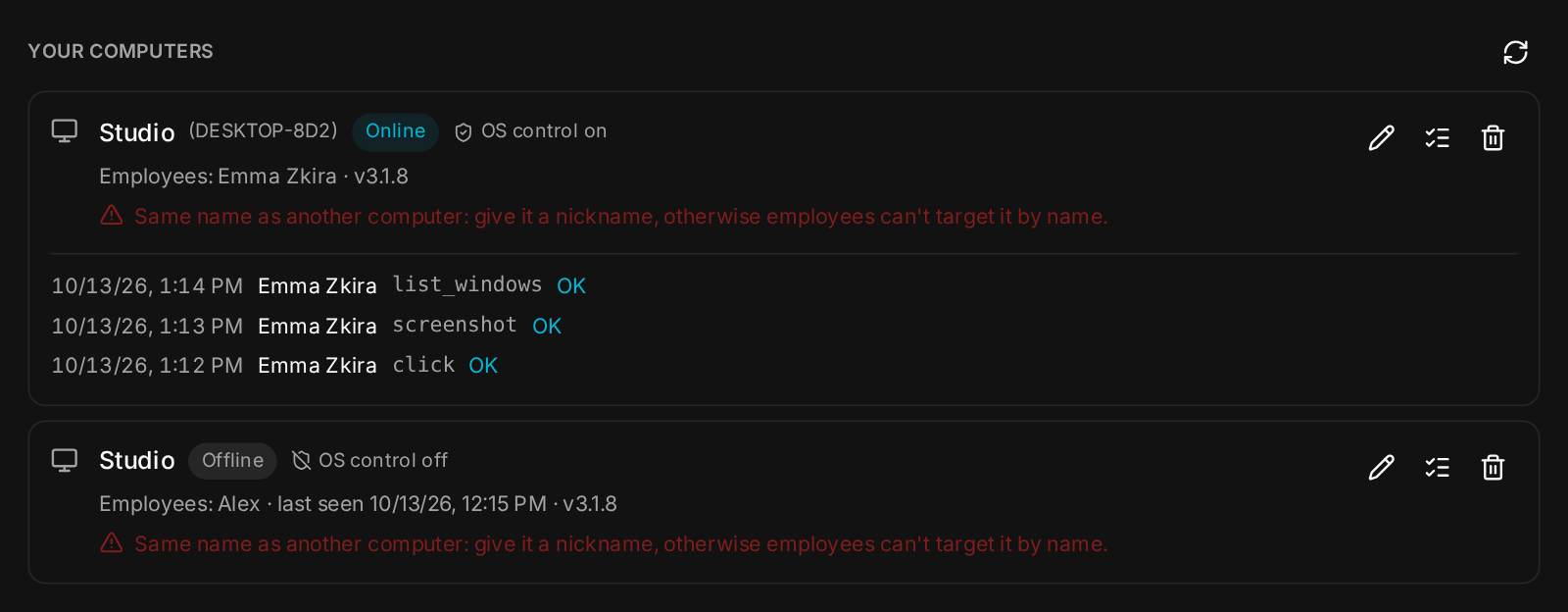
Since v3.1.2 an employee can be paired with several computers, your office PC, your laptop and anything else, each with its own name and its own key. Pairing a new computer leaves the others alone, and pairing the same one twice changes nothing. With one computer online, the employee just uses it; with several, it asks which, or you name one directly. Its status check lists every paired computer: Online or Offline, OS control on or off, and when it was last seen.
Settings → Connectors → Desktop app gives you the full picture: your computers, their status, the employees paired with each, their app version, and an Activity log of every action run on them, kept for a year. Each computer can replace its own key from the desktop app; its employees pick up the new one without pairing again. Remove takes a computer away from its employees.
Nicknames, and one name per computer
Every computer has a Rename button: the nickname you choose (for example Accounting laptop or SRV01-accounting) is the name employees use to target it. It survives reconnections, re-pairing and key renewals; the original machine name stays visible next to it; clearing it brings the machine name back. Nicknames are unique: a name already used by another of your computers is refused.
Since v3.1.5, a name shared by several computers is refused, never guessed. If two machines answer to SRV01 (upper and lower case count as the same), the employee sends nothing and lists the matching computers, also when you named no computer at all. Each computer has a visible id, shown in the status check, that the employee can use instead. Computers sharing a name are flagged: give it a nickname, otherwise employees can't target it by name. The employee never renames your computers; it suggests a nickname and leaves the decision to you. Existing employees get this protection with Skills → Reinstall.
The default
Not installed, no employee paired.