
Voice output
The voice your employee speaks with, and when it speaks unprompted.
Where
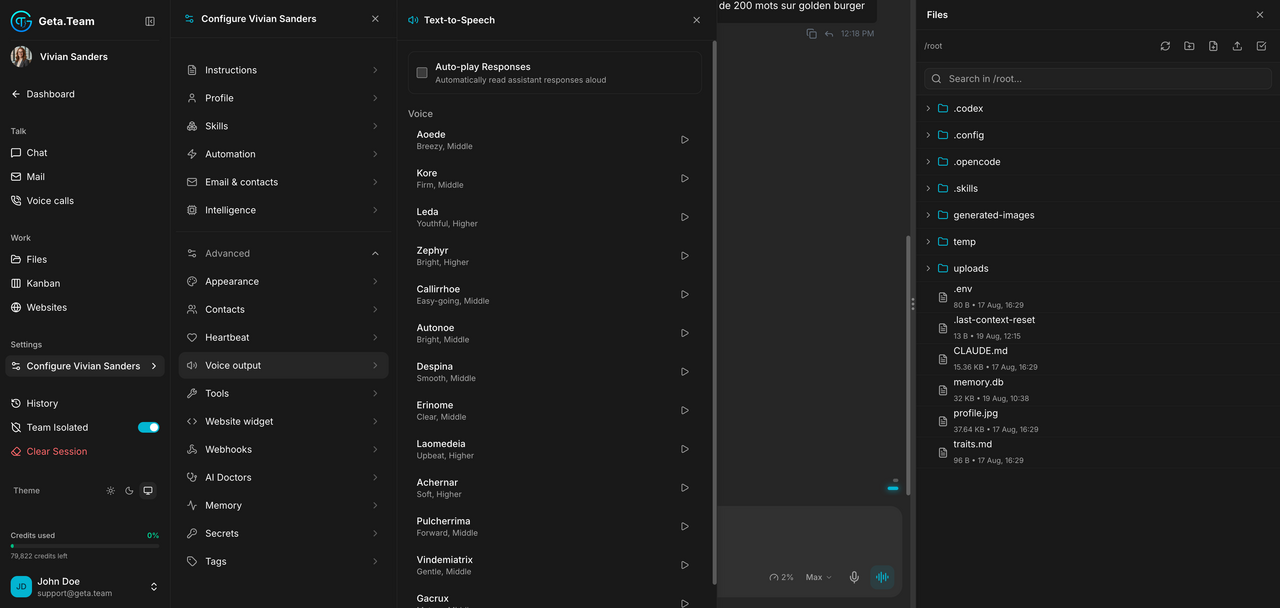
Configure ‹employee› → Advanced → Voice output. The panel is titled Text-to-Speech.
What it does
Auto-play Responses reads the employee's answers aloud automatically.
Voice is the timbre it speaks with. Each one is labelled with its character and register, so you pick by ear rather than by name: Aoede breezy and middle, Kore firm and middle, Leda youthful and higher, Zephyr bright and higher, Callirrhoe easy-going, Achernar soft, Gacrux mature, and a dozen more.
Pick for the job: a firm middle register for support, a softer one for recruitment, a bright one for reception.
The default
Auto-play is off, so the employee writes and stays quiet unless you press play or call it.
What breaks
This voice is what the employee speaks with in the app. It is not the same setting as its telephone line, and the two are configured separately, see Voice calls.