
Tools
What the chat shows of the employee's work: tool runs, reasoning, and the details panel.
Where
Configure ‹employee› → Advanced → Tools. The panel is titled Tools Settings.
What it does
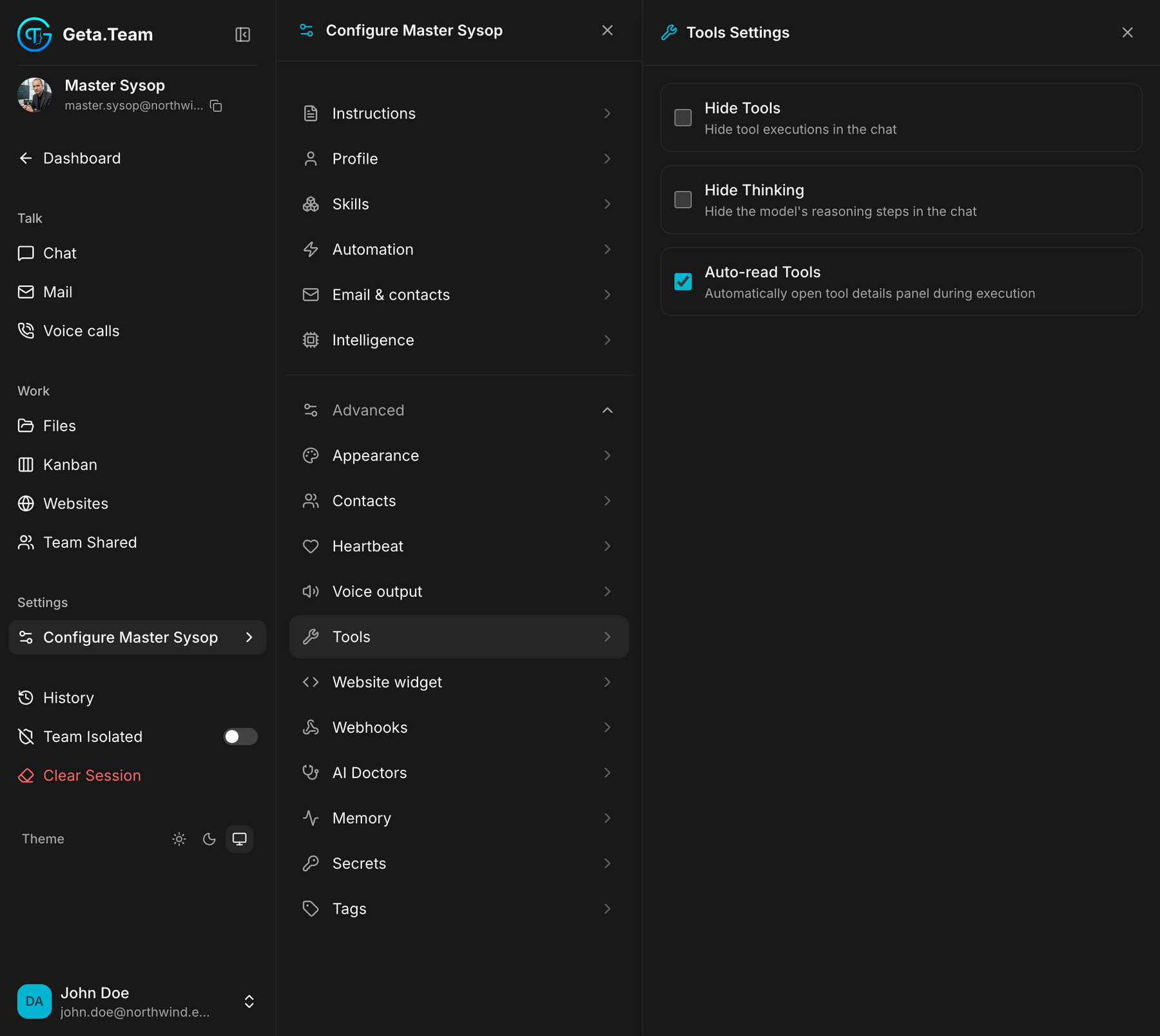
This screen does not decide what the employee can do, it decides what you see it doing. What it is able to do comes from Skills. Three switches, all about the chat:
| Switch | What it does |
|---|---|
| Hide Tools | hides tool executions in the chat |
| Hide Thinking | hides the model's reasoning steps in the chat |
| Auto-read Tools | automatically opens the tool details panel during execution |
Which to use, and when
Leave everything visible while you are still learning to trust an employee. Seeing the commands it runs and the reasoning behind them is how you catch a brief that was understood sideways.
Hide them once it is routine, especially for an employee whose chat is
read by people who did not set it up: a support agent does not need to watch
Bash steps scroll past to read an answer.
Auto-read Tools is the opposite choice: it opens the details panel as the work happens. Useful when you are debugging what an employee does, noisy the rest of the time.
The default
Tool runs and reasoning are shown, both boxes unticked. Auto-read Tools is on: the details panel opens by itself while the employee works, which is what you want while you are still watching it, and the first thing to turn off once you are not.