
Webhooks
Let your own systems trigger the employee, without a human in between.
Where
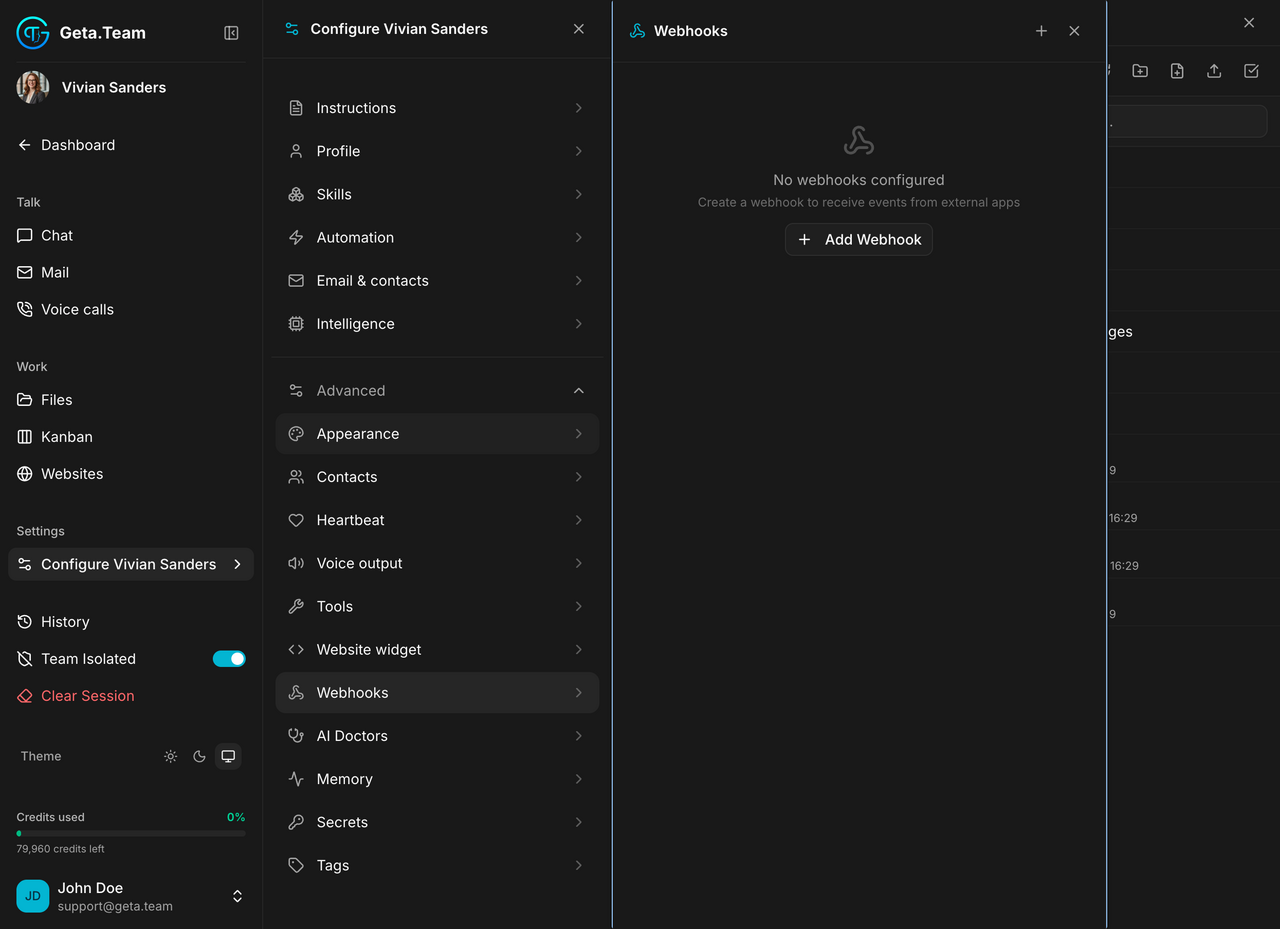
Configure ‹employee› → Advanced → Webhooks.
What it does
A webhook is an address your own systems call to reach the employee. The screen states the purpose: create a webhook to receive events from external apps. Button: Add Webhook.
This is how an employee gets pulled into your existing tooling rather than waiting in the app: a new ticket in your helpdesk, a failed build, an order above a threshold: the system that knows it calls the employee, and the employee does the rest.
It is the third way to set an employee going, alongside talking to it and scheduled tasks. The difference: a webhook fires on an event, not on a clock.
The default
No webhooks configured.
What breaks
A webhook address is a way in. Whoever holds it can make the employee work, so treat it like a credential: do not paste it in a public repository or a shared document, and remove the ones you stop using.