
Contacts
The address book an employee uses to call or transfer during a voice call.
Where
Configure ‹employee› → Advanced → Contacts.
What it does
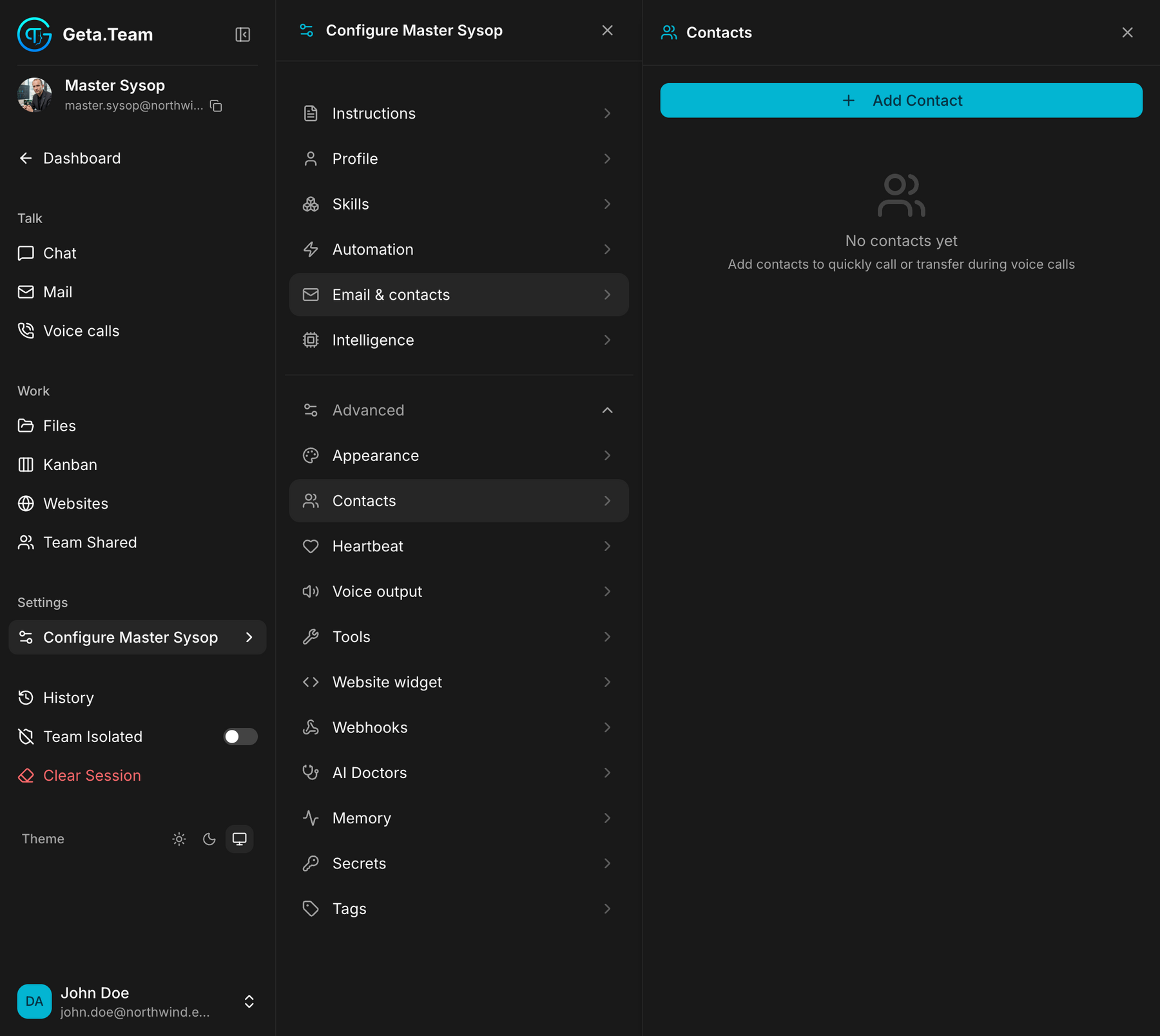
A small address book with one stated purpose: add contacts to quickly call or transfer during voice calls. This is who the employee can put a caller through to when a conversation needs a human.
The screen shows Add Contact and, until you use it, no contacts yet.
This is not the email allow-list. Who may write to the employee by mail is Email & contacts; this screen is about the phone.
The default
Empty. An employee with an empty address book cannot transfer a call, it can only take a message.
If you rely on voice calls, fill this in before the first call rather than after the first awkward one.