
Heartbeat
The employee wakes on a schedule, reads its checklist, and only speaks up when something matters.
Where
Configure ‹employee› → Advanced → Heartbeat.
What it does
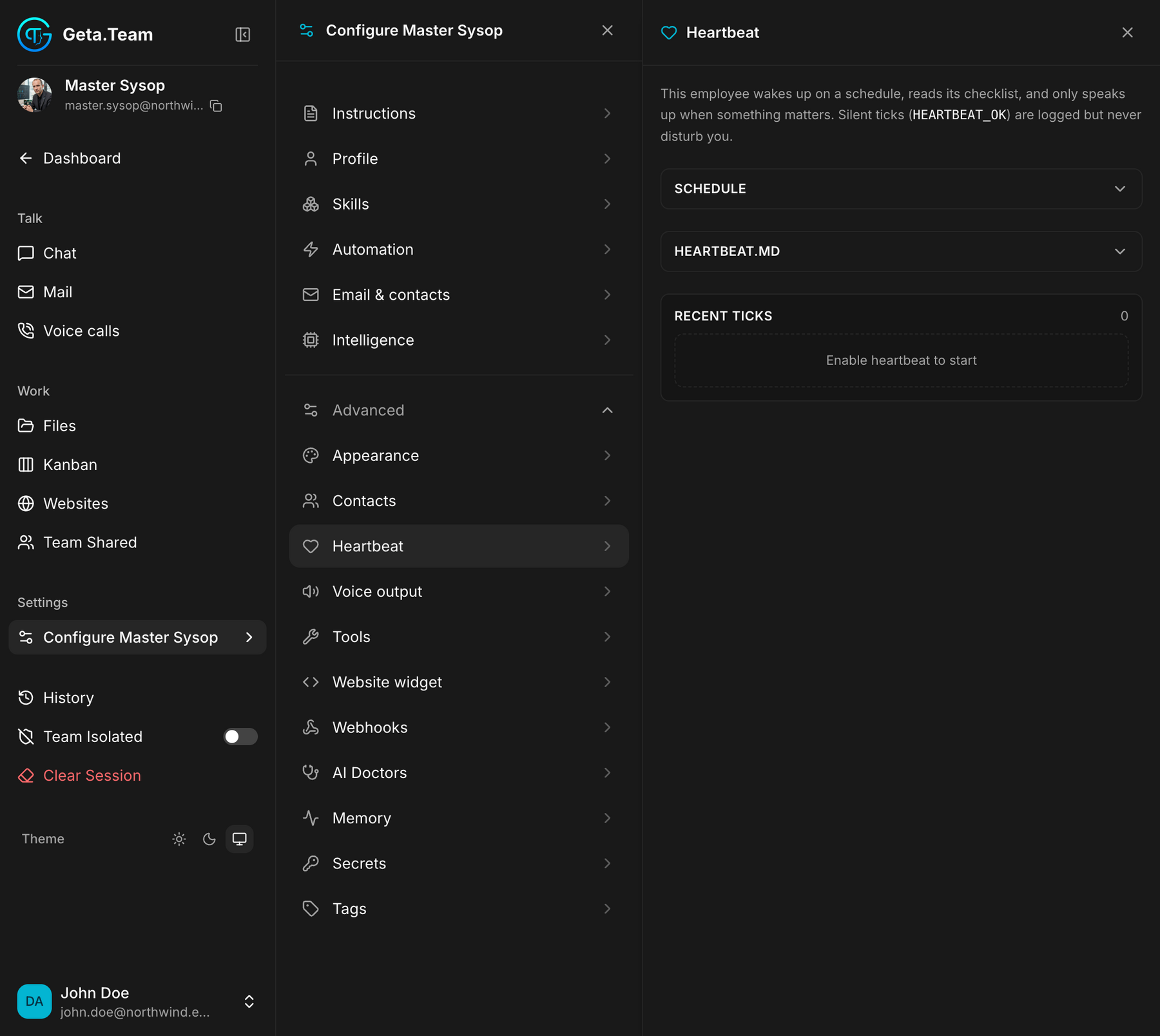
The screen says it best:
This employee wakes up on a schedule, reads its checklist, and only speaks up when something matters. Silent ticks (
HEARTBEAT_OK) are logged but never disturb you.
That last part is the whole point. A heartbeat that finds nothing wrong
writes HEARTBEAT_OK in the log and says nothing, you are not notified
fifty times a day to be told everything is fine.
The three tabs
SCHEDULE, how often it wakes.
HEARTBEAT.MD, the checklist it reads on waking. This is where you write what "something matters" means: is the site up, is any invoice overdue, did any client wait more than a day for an answer.
RECENT TICKS: what happened at each wake-up, with the counter of ticks so far.
Heartbeat or a scheduled task?
The distinction is worth getting right, because the two look alike:
| Automation | Heartbeat | |
|---|---|---|
| Purpose | do a job on a schedule | check whether anything needs doing |
| Output | a result, every time | silence, unless something matters |
| Written as | a brief | a checklist |
Put a recurring job in Heartbeat and it will run as a check that reports nothing.
The default
Off. The screen shows Enable heartbeat to start and the tick counter sits at zero. Until you enable it, the employee only acts when you ask or when a scheduled task fires.