
Profile
Rename an employee, and set the job title people see.
Where
Configure ‹employee› → Profile.
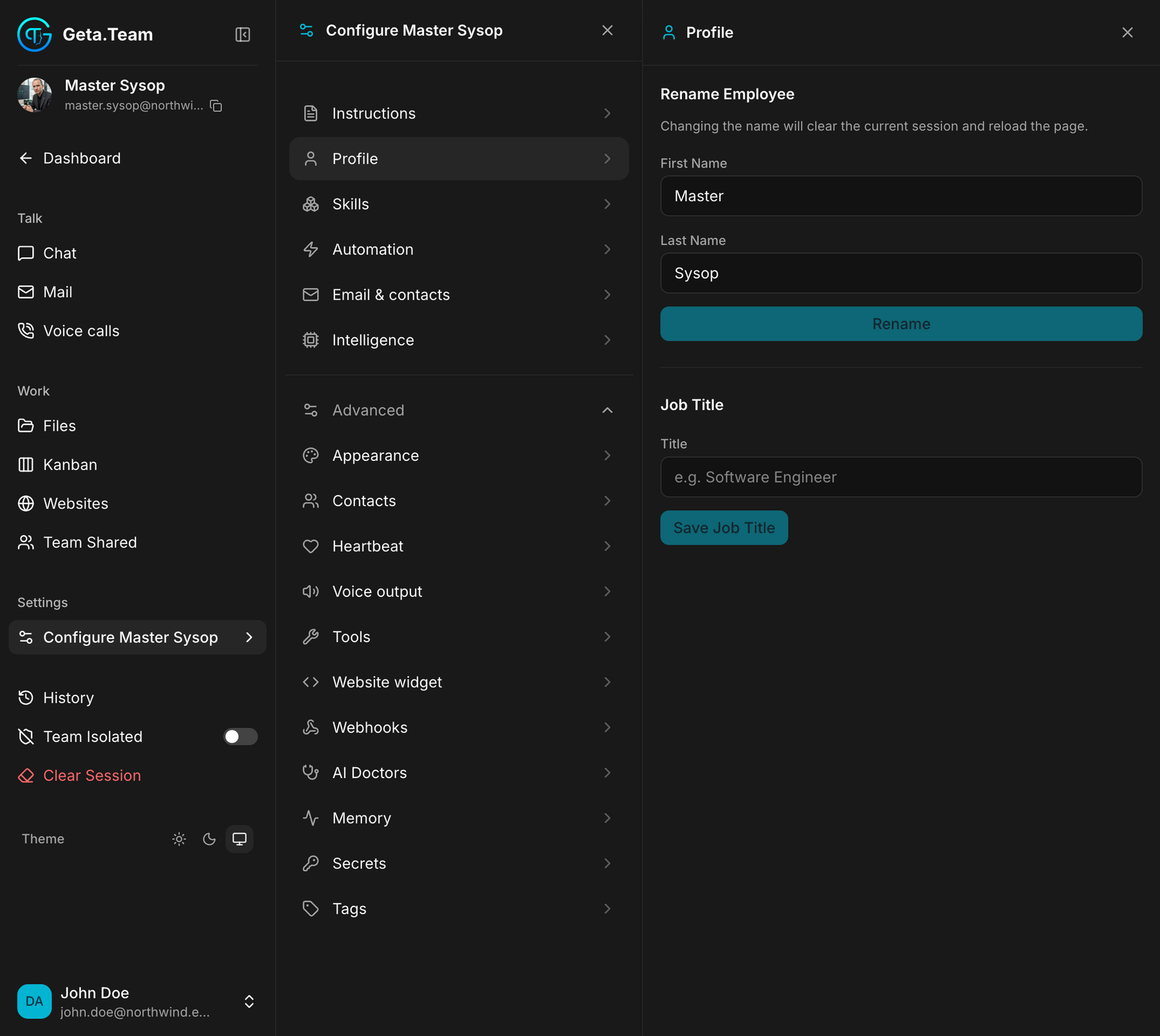
Rename Employee
First Name, Last Name, then Rename.
The screen warns you, and it is not a detail: changing the name will clear the current session and reload the page. Whatever the employee had in flight is lost. Rename between two tasks, not in the middle of one.
Renaming does not change the employee's email address, which was set when it was hired. An employee renamed from Support Bot to Nora Stewart keeps writing from the old address until you say otherwise, see Email & contacts.
Job Title
A free text field, e.g. Software Engineer, then Save Job Title.
This is the title people see. It is not the same thing as the position you gave at hiring, which shapes how the employee works; this one is a label.
What is not here
The rest of what you answered when hiring: age, origin, city, communication style, main language, is not on this screen. What actually drives the employee's behaviour lives in Instructions, and its face in Appearance.