
Manage Users
Invite people, grant admin rights, and require multi-factor authentication.
Where
Settings → Manage Users.
What it does
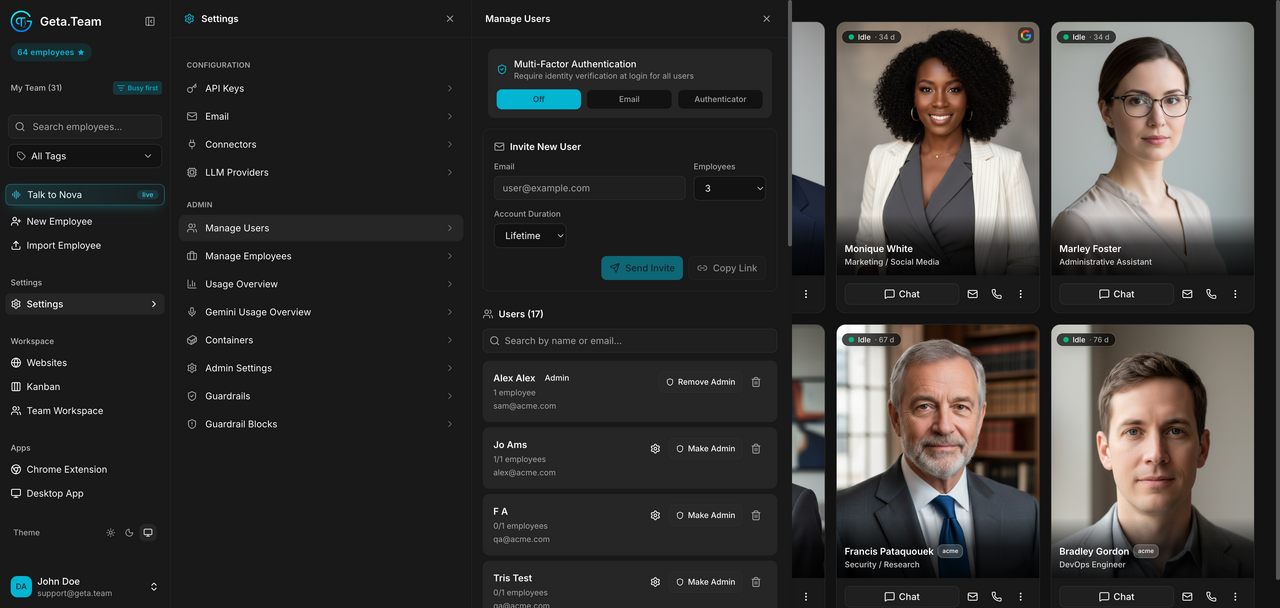
Three things on one screen.
Multi-Factor Authentication, at the top, applies to all users of the
workspace: Off, Email, or Authenticator.
Invite New User creates an invitation with two settings that matter:
- Employees, how many the invitee may create:
0,1,3,5,10orUnlimited.0gives access without the right to create anyone. - Account Duration:
Lifetime,1 Week,1 Month,3 Months,1 Year. A dated account stops working on its own, which is what you want for a contractor.
Then Send Invite, or Copy Link to pass it on yourself.
The user list shows each person with their employee count (1/1 employees), their email, and Make Admin / Remove Admin.
The default
MFA is Off. Nothing prompts you about it, and it stays off until
someone changes it. On a workspace where employees hold connected mailboxes
and phone numbers, that is the first setting to review.
What breaks
Deleting a user does not delete the employees they created, those are reassigned from Manage Employees.