
Usage Overview
What the workspace consumed, per employee and per user.
Where
Settings → Usage Overview.
What it does
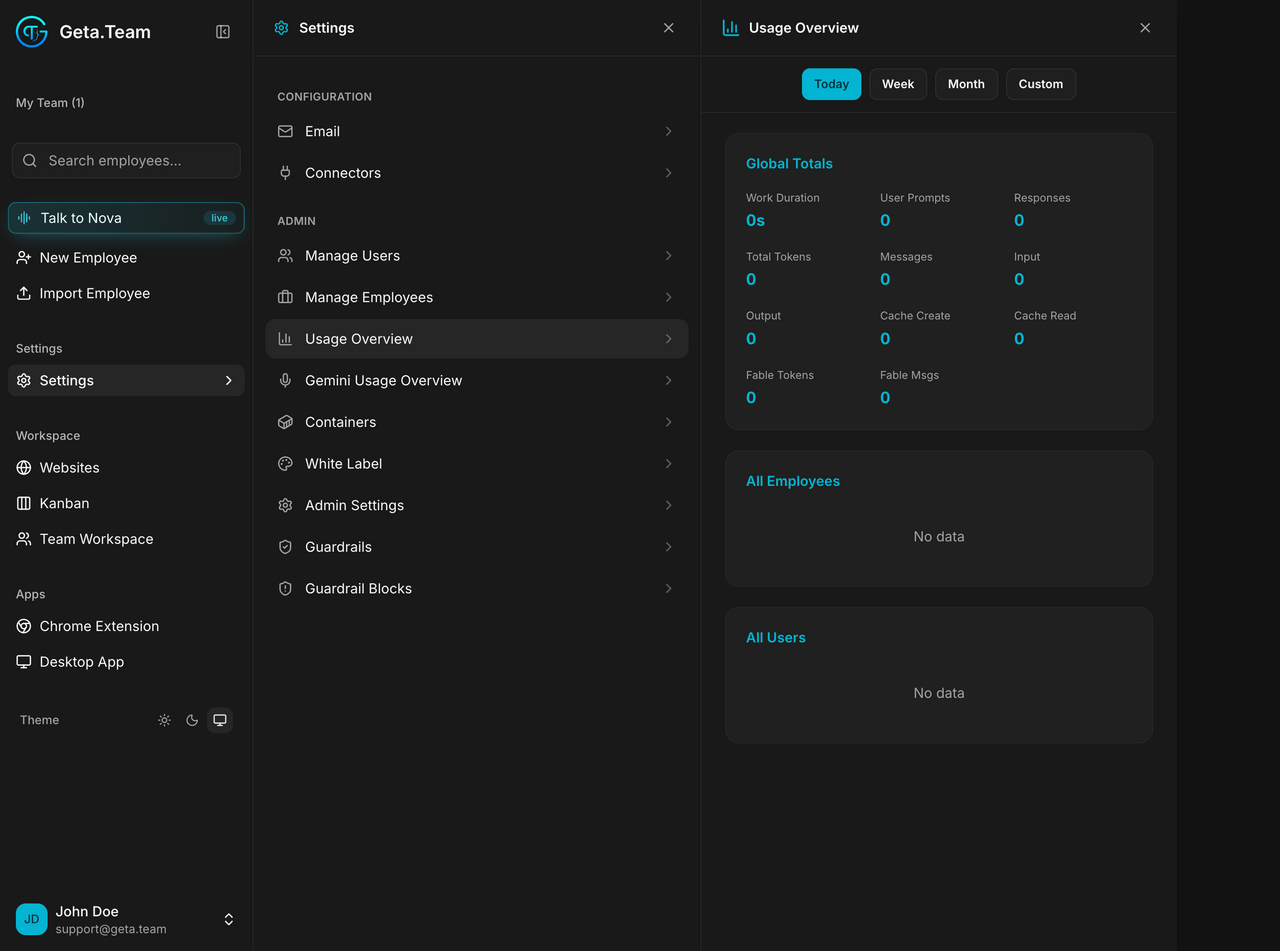
Usage statistics for all employees and users, over Today, Week, Month, or a Custom range.
Global Totals reports Work Duration, User Prompts, Responses, Total Tokens, Messages, Input, Output, Cache Create, Cache Read, plus Fable Tokens and Fable Msgs. Two breakdowns follow: All Employees and All Users.
What BYOK adds
A BYOK workspace shows, above the totals, one card per provider subscription you connected, with its consumption window, a rolling 5-hour window and a weekly one, and when each resets. That is where you see how close you are to your own provider's ceiling, since we impose none.
The default
The range opens on Today, so a workspace that has been idle since
midnight shows No data everywhere. Switch to Week or Month before
concluding anything.