
Account
Profile, authentication method, and sign-out.
Profile
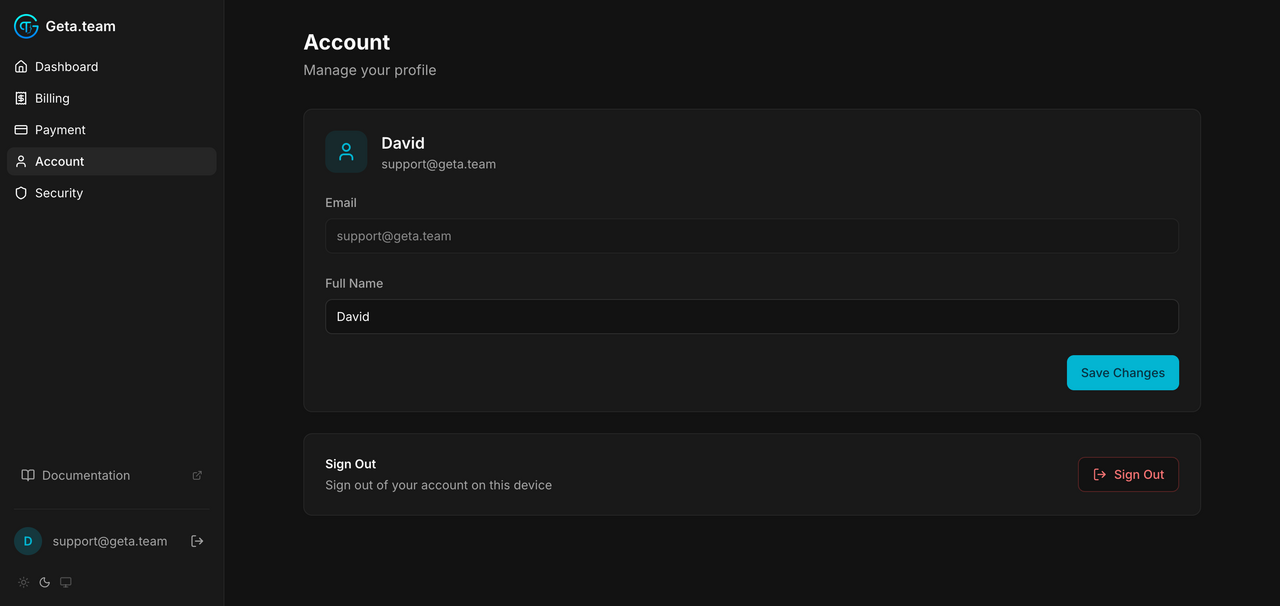
The Account tab in the dashboard sidebar shows your profile card. You can edit your Full Name. Your email is the account identifier and can't be changed from here, contact support if you need to migrate.
Interface language and theme
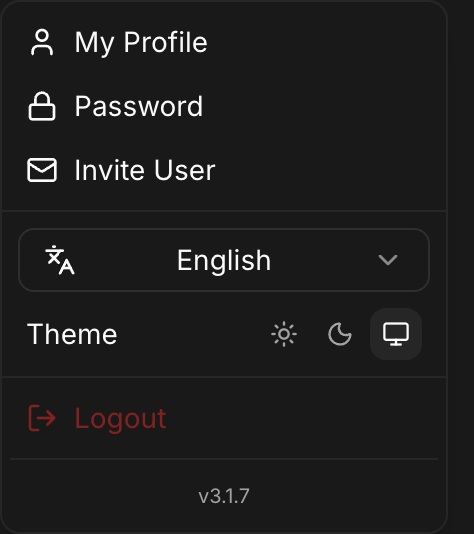
The Geta.Team interface comes in ten languages: English, French, Spanish, Portuguese (Brazil), German, Japanese, Chinese, Hindi, Hebrew and Arabic. Pick one on the login page, or from the user menu (under your name, in the dashboard and inside a chat). On a first visit it follows your browser, falling back to English. Your choice is saved to your account and follows you from one device to the next. Hebrew and Arabic flip the whole layout right to left.
Translated with it: the connector setup guides, dates, schedules and durations, the hire catalogue, the suggestions in an empty conversation, and the emails we send you (verification codes, invitations, password resets). Product names and the buttons of third-party consoles stay in English, as on their own screens.
This is the interface: your employees have always spoken around a hundred languages, whatever language the interface is in.
The same user menu holds the theme (light, dark or system), My Profile, Password, Invite User, Logout and the version number; on SaaS Cloud it also shows your subscription and usage.
Authentication
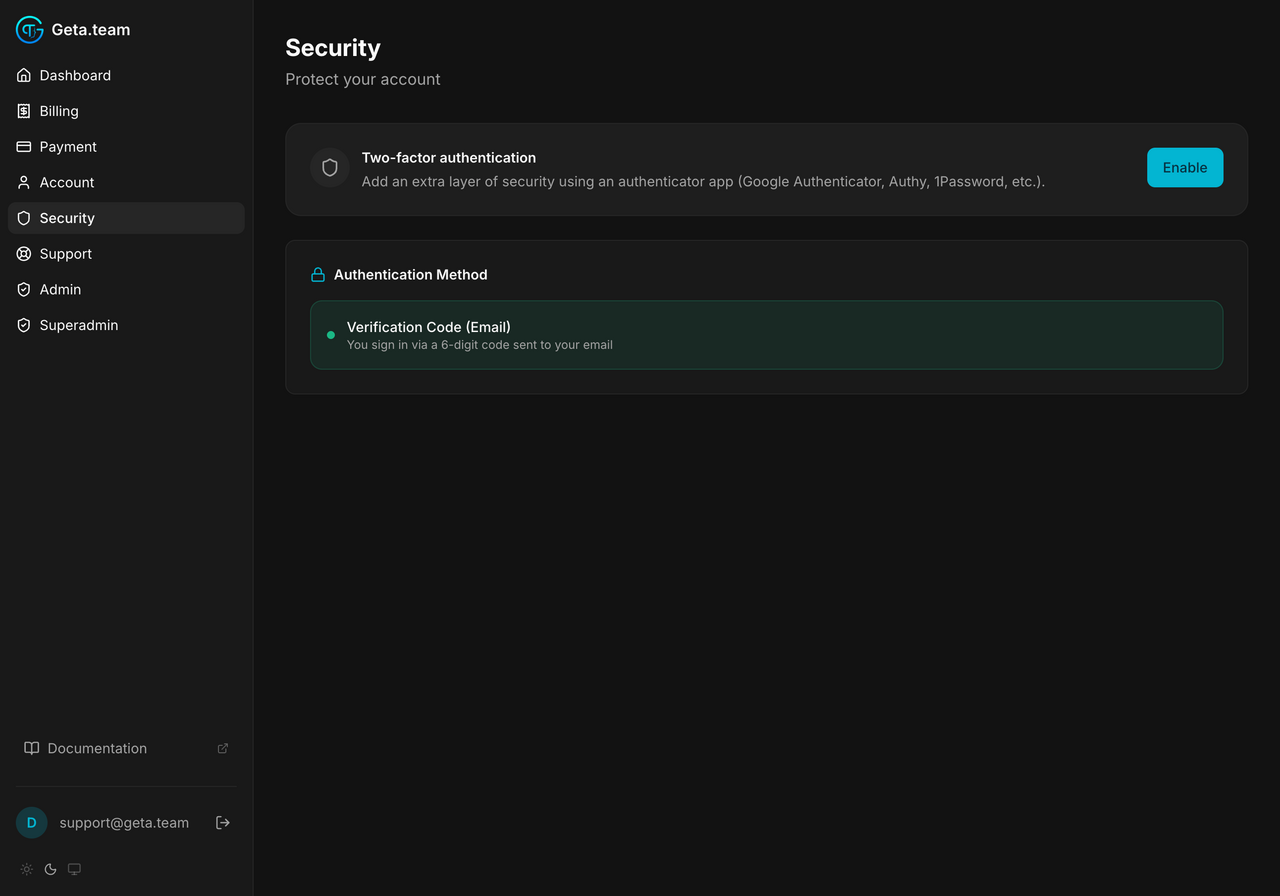
Sign-in is magic-link only. We send a clickable link plus a 6-digit code to your inbox, whichever you use, the session lasts 7 days.
Two-factor authentication via an authenticator app is on the roadmap (visible in the Security tab as Coming Soon).
Sign out
The Sign Out card at the bottom of the Account page invalidates the current session and clears the cookie. Your other devices stay signed in until their own sessions expire.