
Security & data residency
Where your data lives, how authentication works, and how to keep workspaces inside your perimeter.
Data residency
Pick a region when you create a workspace:
- EU: server in Germany
- US: server in Virginia
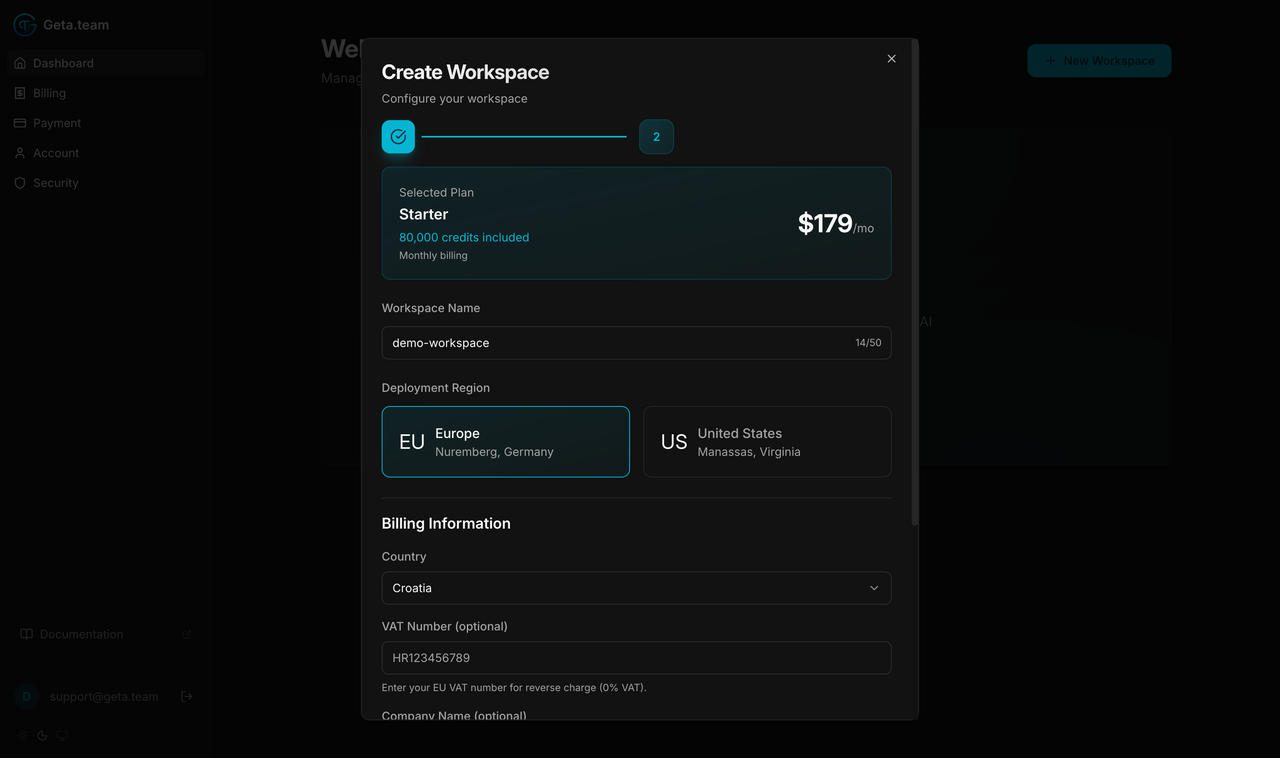
Data, memory, and execution all stay in your chosen region. We don't move workspace data between regions.
Enterprise customers can request custom data residency (other regions, private infrastructure), contact sales.
Dedicated server per workspace
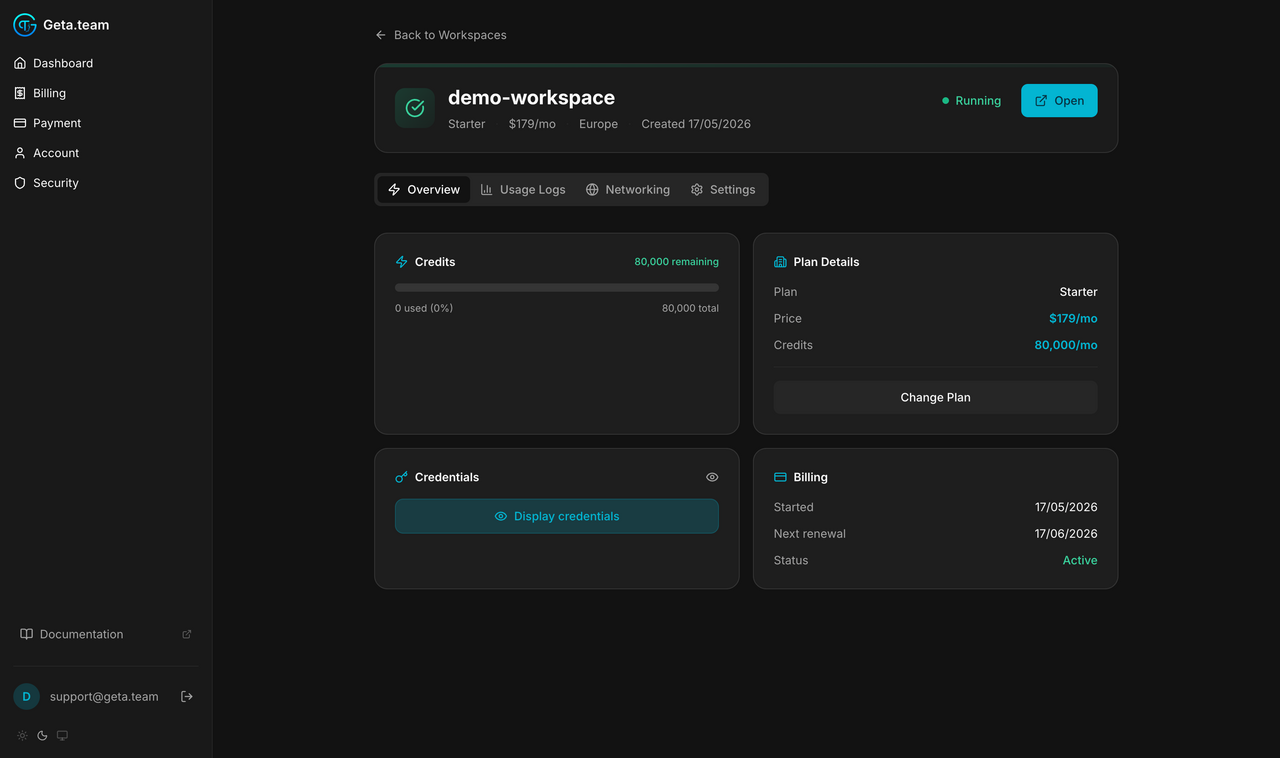
Each workspace runs on its own dedicated server, not on shared multi-tenant infrastructure. This applies to every plan, not just Enterprise.
Authentication
Sign-in to the dashboard does not use a password, and we do not store one. Dashboard → Security shows the method your account signs in with, and lets you add an authenticator app on top of it.
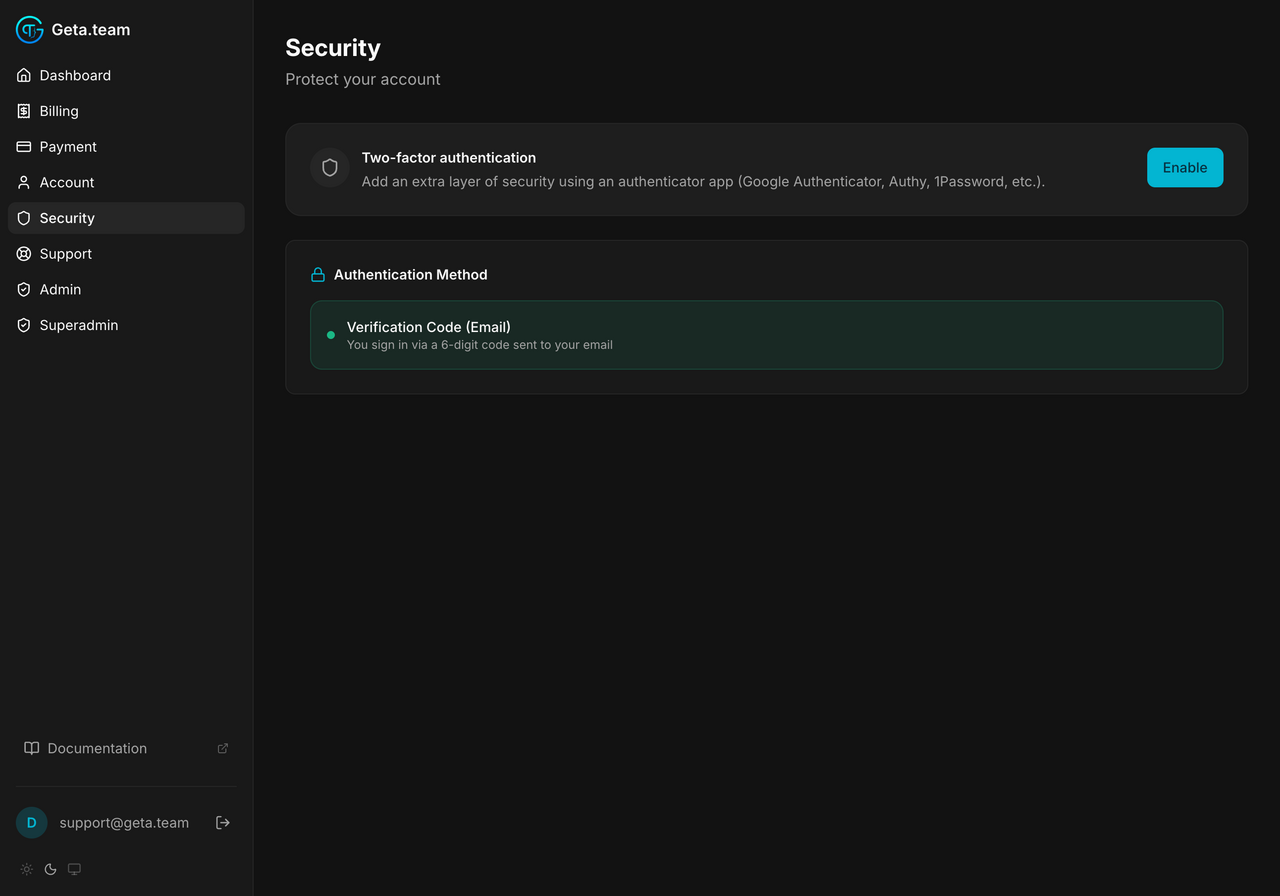
- Verification Code (Email) is the sign-in method: a 6-digit code is sent to your address each time you sign in
- Two-factor authentication is optional. The account in the screenshot above has not turned it on, which is why the button reads Enable, turning it on adds an authenticator app (Google Authenticator, Authy, 1Password) on top of the emailed code
- Sessions expire after 7 days
Workspace credentials
Workspace admin credentials are exposed only to you, in the Access your workspace card on the workspace Overview tab. The password stays hidden behind an eye icon until you ask for it. Never logged, never emailed in clear.

Self-hosted alternative
For zero data leaving your perimeter, the BYOK Self-Hosted edition runs the entire stack on your own infrastructure with your own LLM keys.